Communicator LED Indicators
Note
Before you can verify operation you must configure the Communicator.
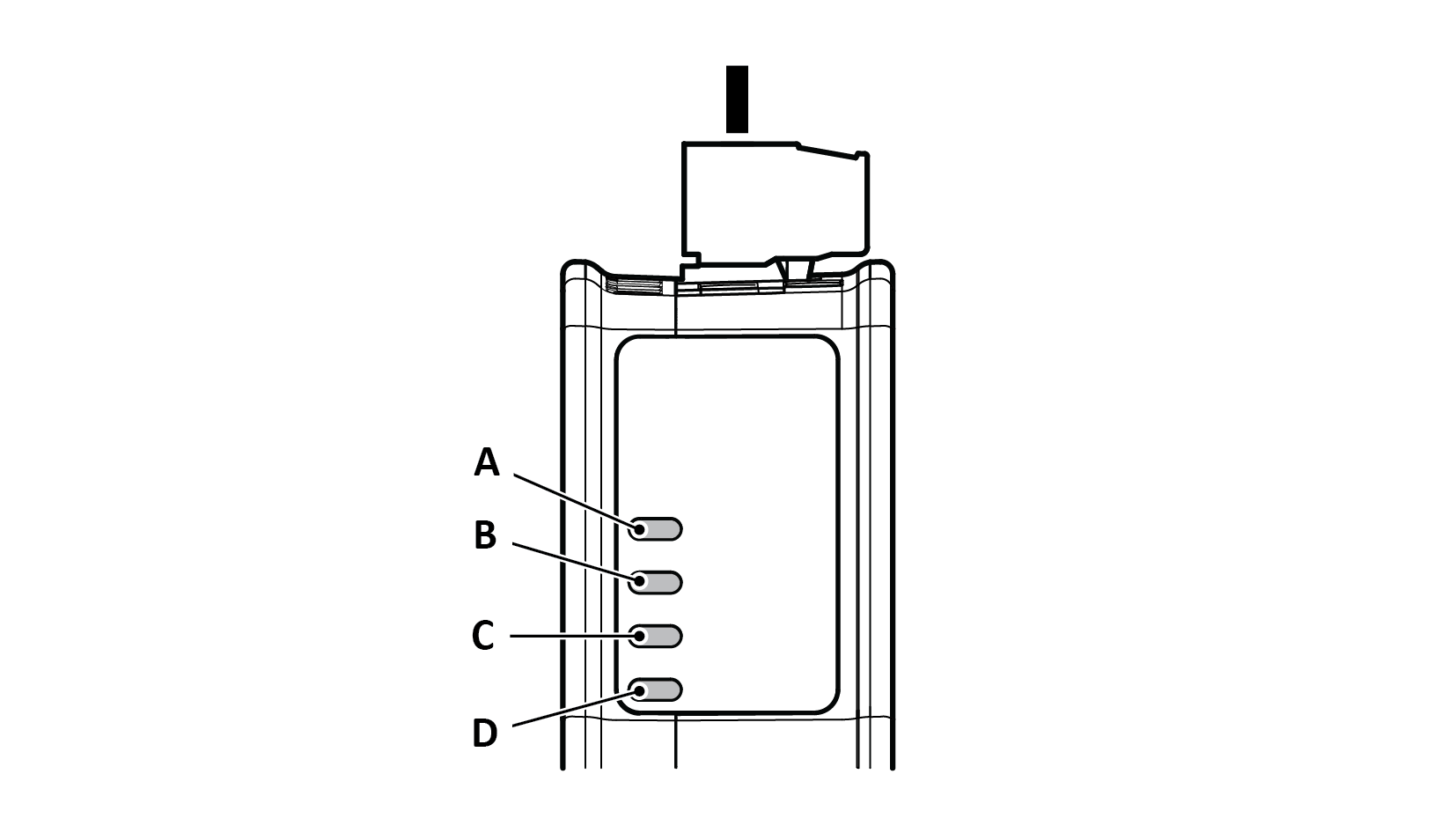 |
LED A | LED B | LED C | LED D | |
|---|---|---|---|---|
Operation Status | Gateway status | EtherNet/IP - Adapter | Subnetwork | Security switch |
Off | No power | No power/Exception/No IP address | No power/Exception/Subnetwork not running/Node is switched off via a control word | No power/Security switch is unlocked/Exception/Fatal error |
Green, flashing | Startup phase | EtherNet/IP online, no connections established | Running, one or more nodes are offline | N/A |
Green | Operational | EtherNet/IP online, one or more connections established | Running | Security switch is locked |
Red | Exception/Fatal error | Duplicated EtherNet IP address/Fatal error | Fatal error | N/A |
Red, flashing | Invalid configuration | One or more connections timed out | All nodes are offline | N/A |
Green/Red, flashing | Power up self-test/Firmware update/Firmware recovery | N/A | N/A | N/A |