Firmware Upgrade Error Management
If the firmware update process is interrupted or if the power is lost during the update process, the Communicator goes into fallback mode.
The last working firmware is still available on the flash, but it is not active.
Procedure
To complete the interrupted firmware update:
Disconnect the Communicator from power.
Figure 124. Disconnect power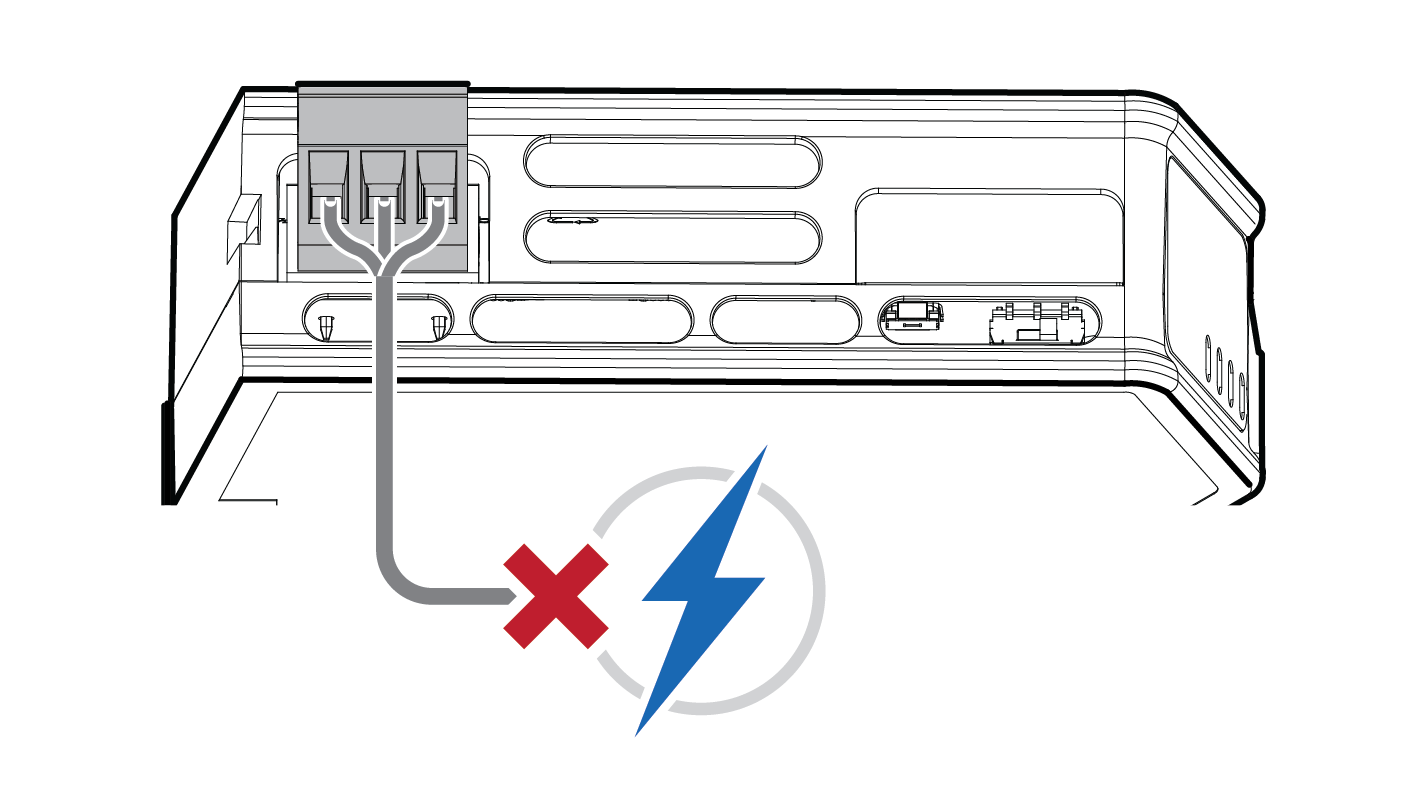
Reconnect the Communicator to power.
Figure 125. Reconnect power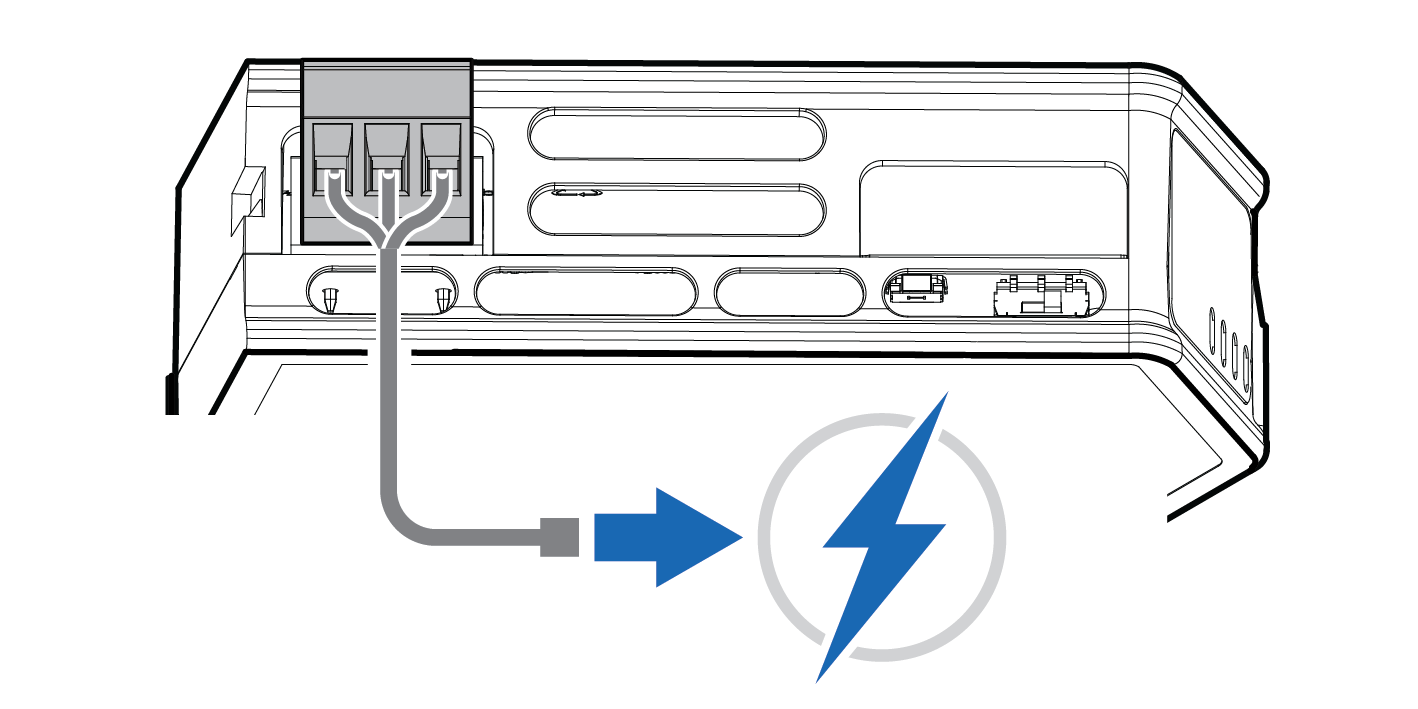
Leave the Communicator for 10 minutes.
The Gateway status led indicator flashes red and green until the firmware upgrade is completed.
Figure 126. Firmware upgrade LED indication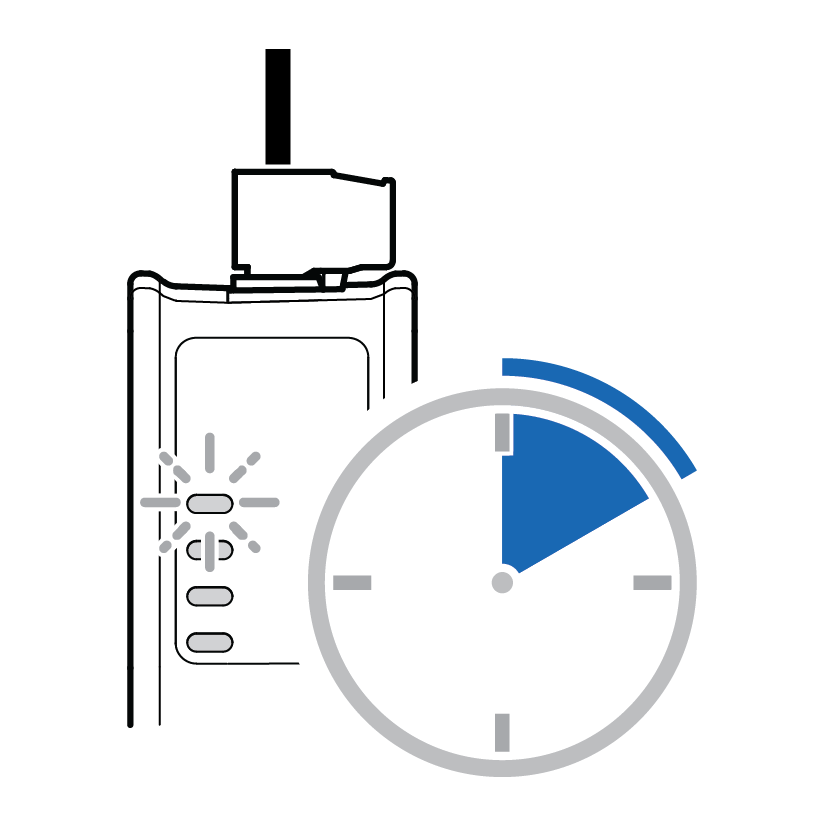
Result
The Communicator recover and return to normal operation.
Figure 127. Recover and return to normal operation
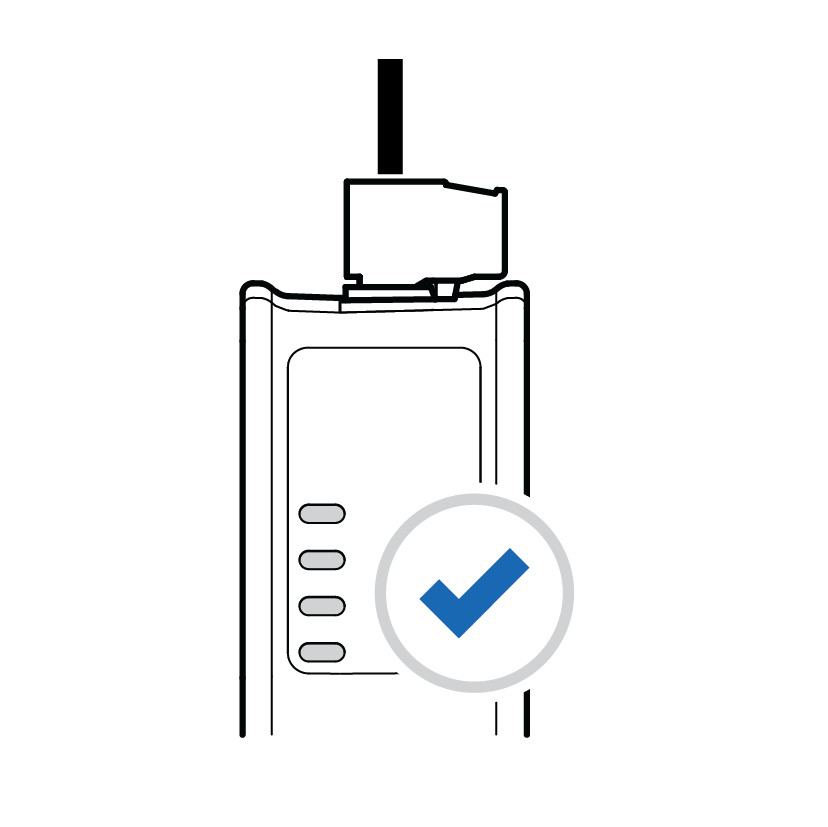 |
To Do Next
To check LED status, refer to Communicator LED Indicators.