Connect to Serial RS232/RS485 Subnetwork
Note
Use minimum 90 oC copper (Cu) wire only.
Figure 14. Connect to serial RS232/RS485 subnetwork
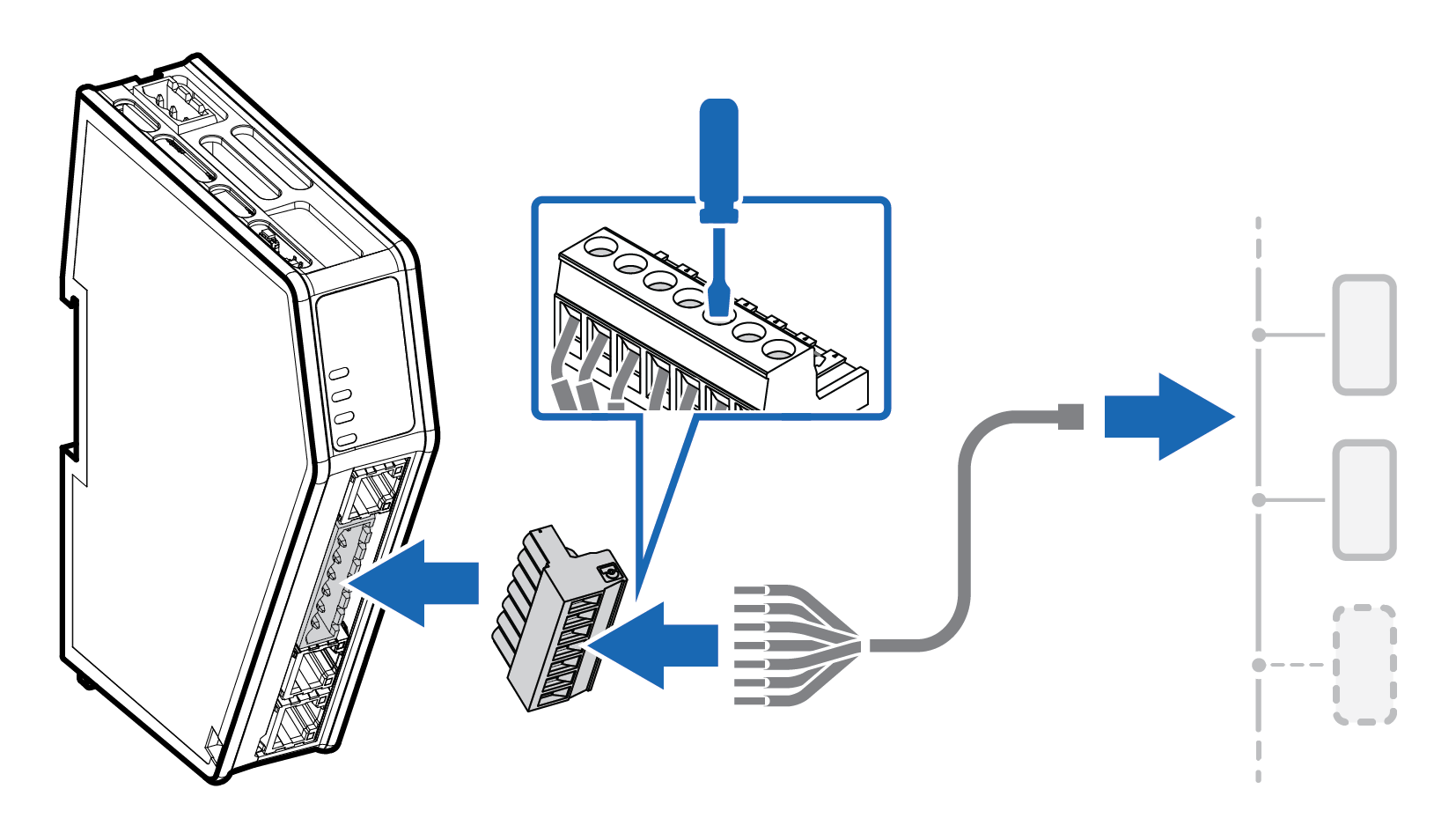 |
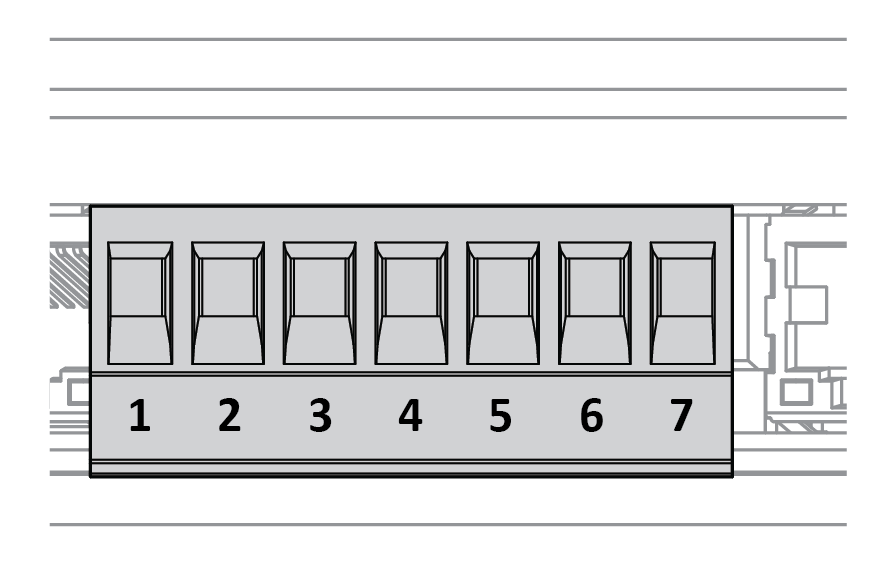
Insert the cable wires into the 7-pin connector and tighten the wire clamp screws.
7-pin connector | Pin | Signal |
|---|---|---|
| ||
1 | RS232 Rx Input | |
2 | RS232 Tx Output | |
3 | Functional Earth (FE) | |
4 | Signal GND | |
5 | RS485+ B | |
6 | RS485- A | |
7 | +5 V OUT |
Connect the 7-pin connector to the Communicator.
Connect the Communicator to your serial subnetwork.
To Do Next
Connect the Communicator to the EtherNet/IP network and to power.
Check LED status, refer to Communicator LED Indicators.