PLC Configuration
In the Communicator built-in web interface:
Export I/O data map
When you configure the communication between the Communicator and the PLC, you can use the I/O data map as a specification to ensure that the commands match.
On the I/O data map page: You can download the I/O data mapping in a spreadsheet to your PC.
Download EDS File
Option if the PLC program requires a EDS (Electronic Data Sheet) file.
On the EtherNet/IP page: Download the EDS file to your PC.
In the PLC program:
Import product file
Option if the PLC program requires a EDS (Electronic Data Sheet) file.
Import the EDS file into your PLC project.
Configure the communication
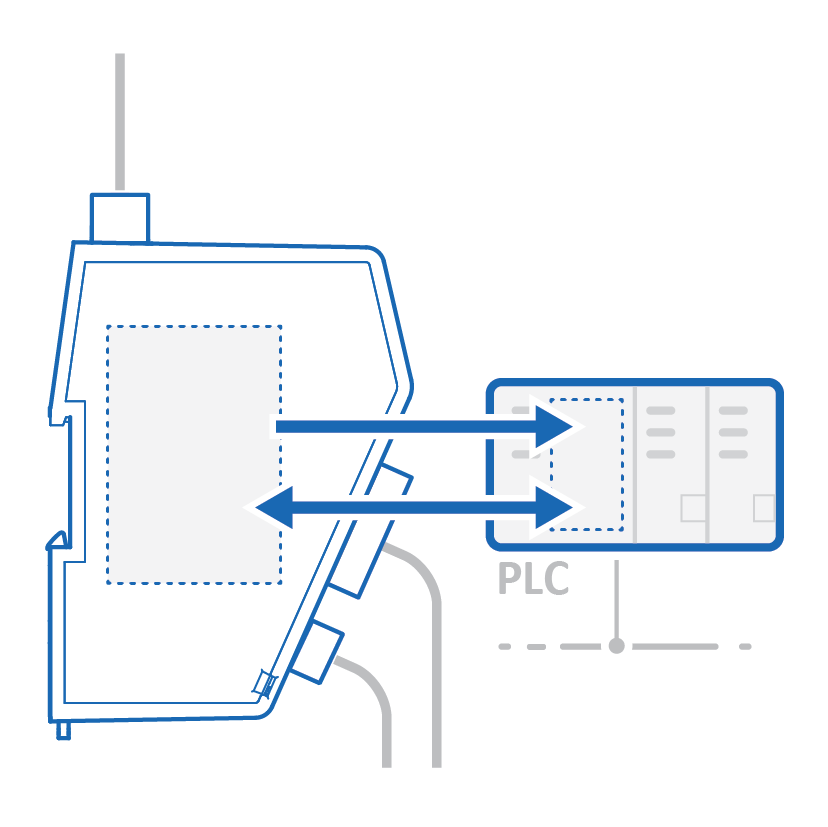
Configure the PLC to communicate with the Communicator according to the I/O data map created in the Communicator.