Verify Operation
Apply the configuration

When you have completed and verified the configuration, click Apply for the settings to take effect.
Verify status and LED indications
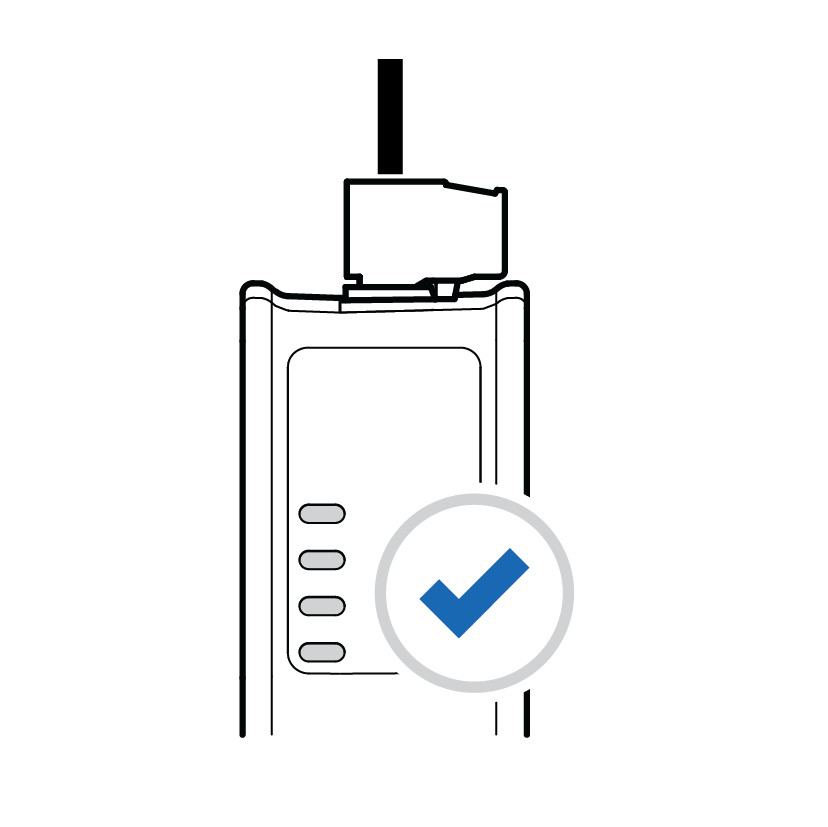
On the Home page:
Monitor the Communicator, network and node status.
You can also view the Communicator LED indications remotely.
Verify and monitor communication

In Diagnostics, use the:
Serial RS-232/485 page to verify that the serial commands are sent and received by the Communicator.
Event log page to detect failures and unexpected behavior over time.