Setup New Configuration
Follow these steps to setup a new Communicator configuration.
Subnetwork configuration
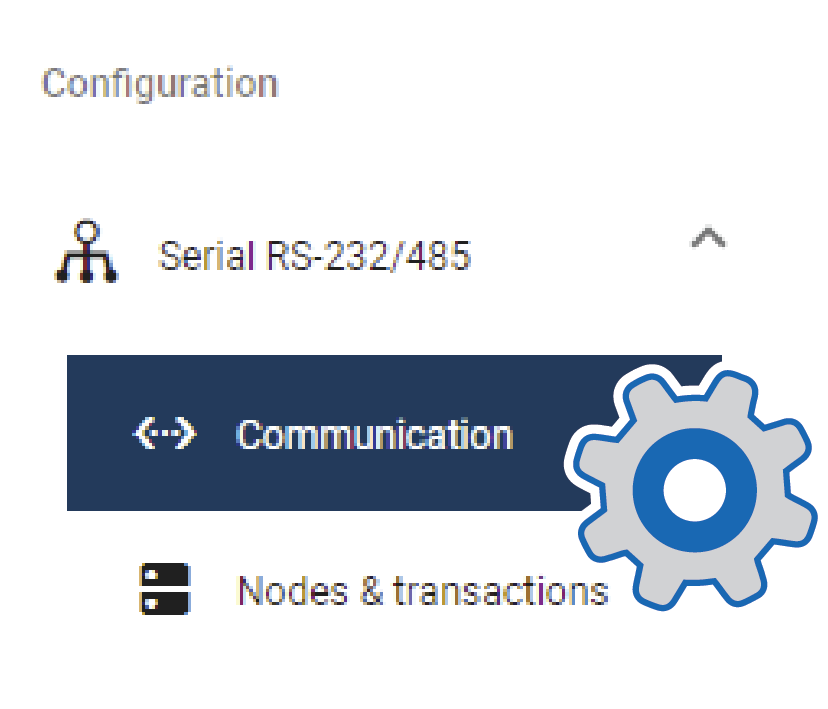
On the Communication page:
Select a serial protocol: Modbus RTU (default), Custom Request/Response or Custom Produce/Consume.
For information about the serial protocol types, see Serial Protocol Types.
Configure the basic settings Physical standard:, Baud rate, Data bits, Parity and Stop bits.
Create Transaction Templates
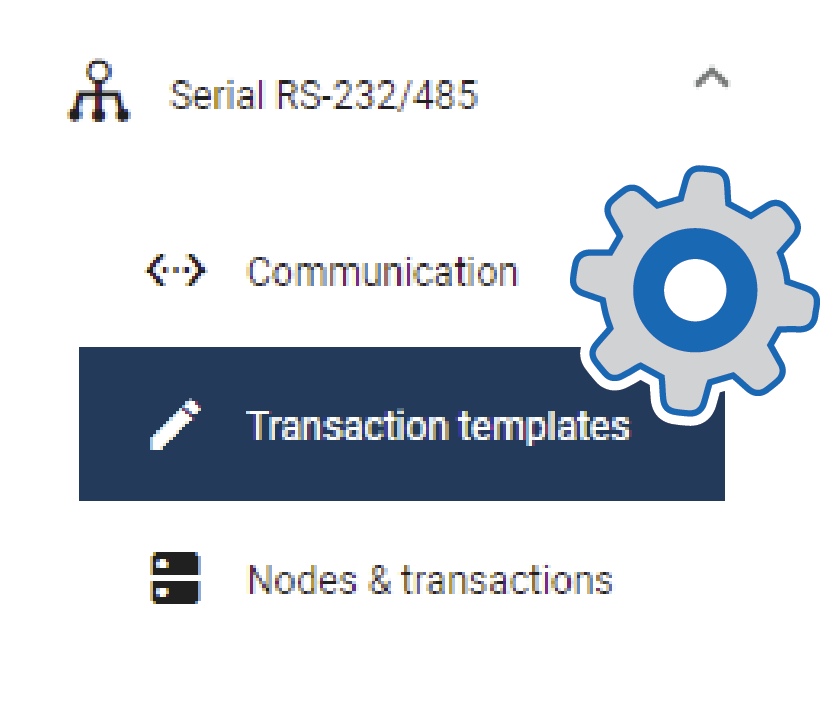
This step applies when the serial protocol Custom request/response is selected.
On the Transaction templates page: Add a transaction template and configure the template settings.
Repeat until you have added and configured all your transaction templates.
Add Nodes and Commands
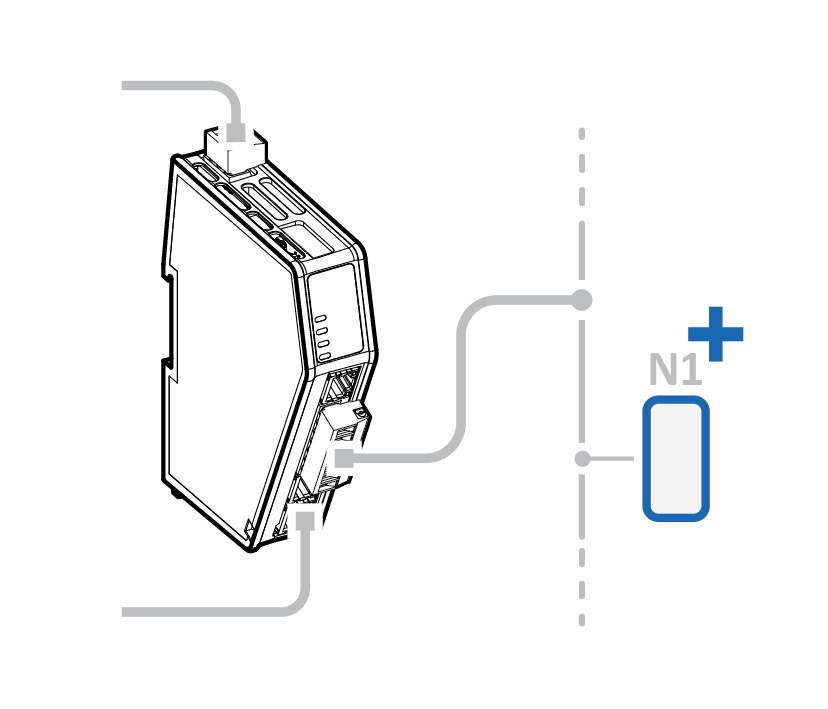
On the Nodes & commands page:
Add a node and configure the node settings.
Add commands to the node and configure the command settings.
Repeat until you have added and configured all your nodes.
High level network configuration
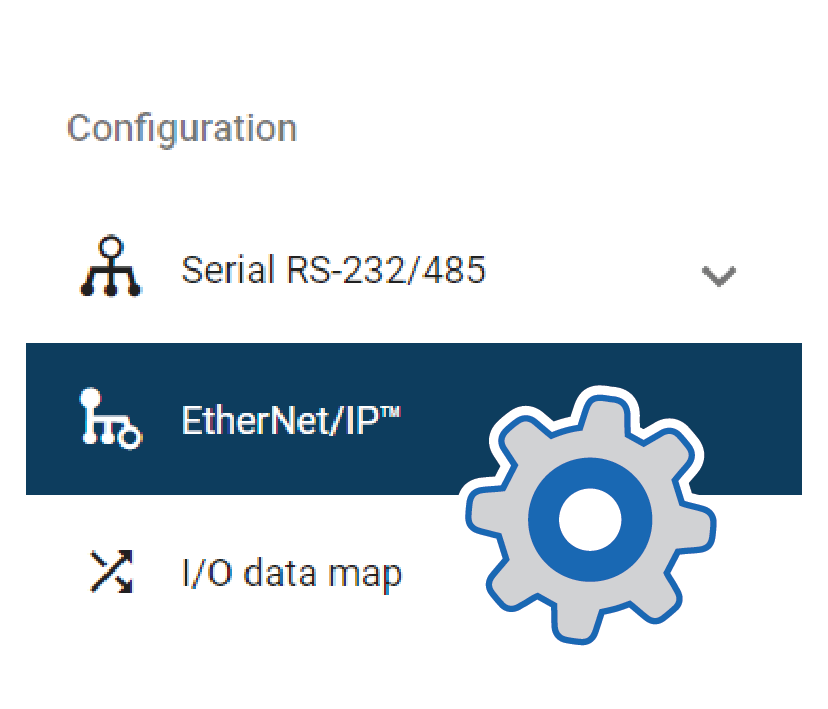
On the EtherNet/IP page:
Use Automatic I/O sizes provided by the subnetwork or choose to set them manually.
Enable DHCP server or choose to set a specific IP address.
I/O Data Mapping
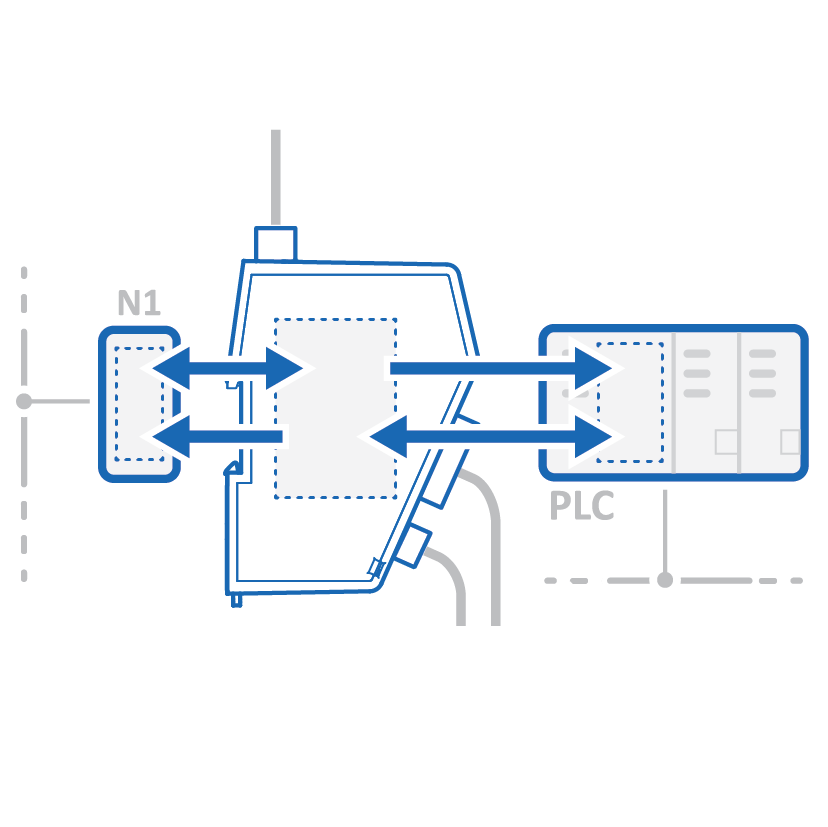
The commands you added to the nodes are automatically mapped to the Communicator internal memory area.
View the added nodes and commands on the I/O data map page.