Add Transactions
Note
The maximum number of transactions that can be added to a node is 150.
In the node list, select a node to configure.
In the transaction list, click Add.
Choose one of the following alternative:
When using the Modbus RTU Serial Protocol
Click and select a transaction from the list of standard Modbus RTU transactions.
Figure 50. Add Modbus RTU transactions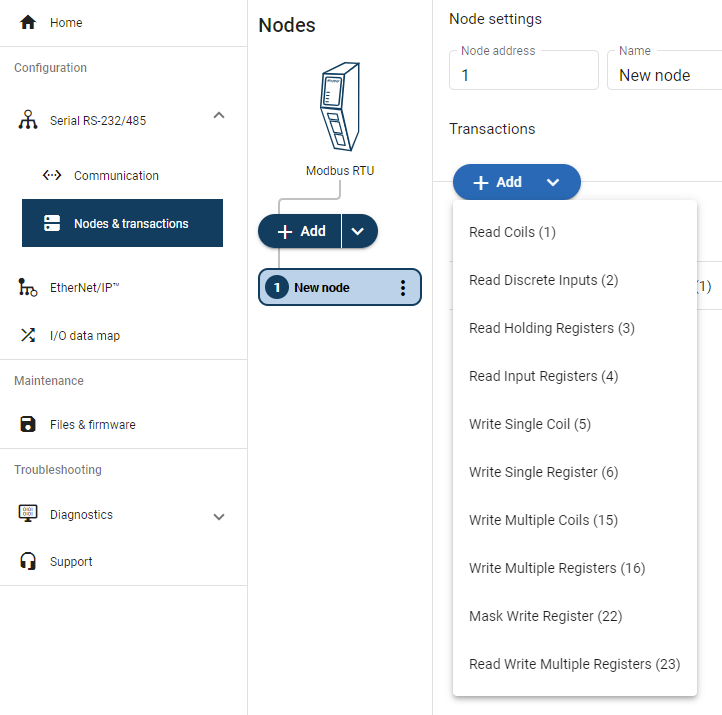
When using the Request/Response or Produce/Consume Serial Protocol
Figure 51. Add new empty template
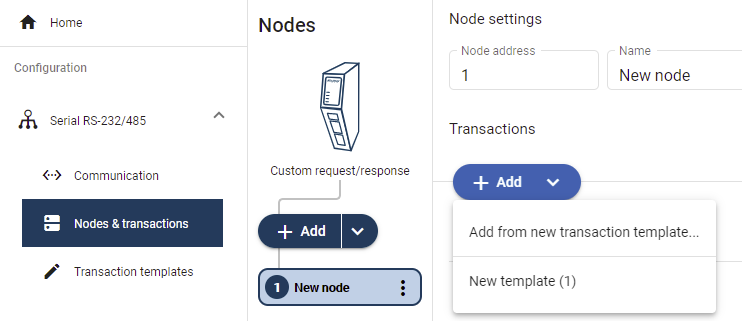 |
Click and select .
You are redirected to the page.
A new empty template is added to the Transaction templates list.
Note
You must build the transactions before you can use the template, refer to Build Transaction Template.
Figure 52. Add new empty template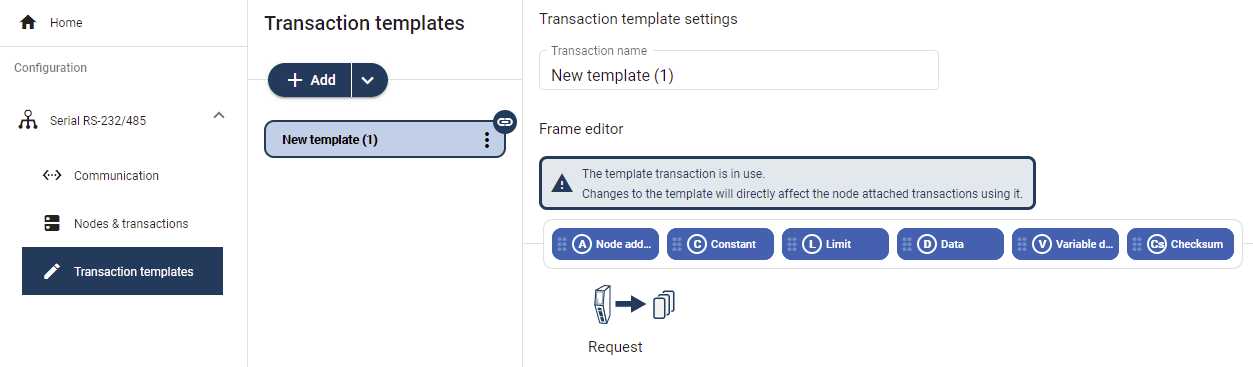
If you already have created Transaction templates, click and select the desired template from the list.
A new transaction is added to the transactions list.
Figure 53. Add new transaction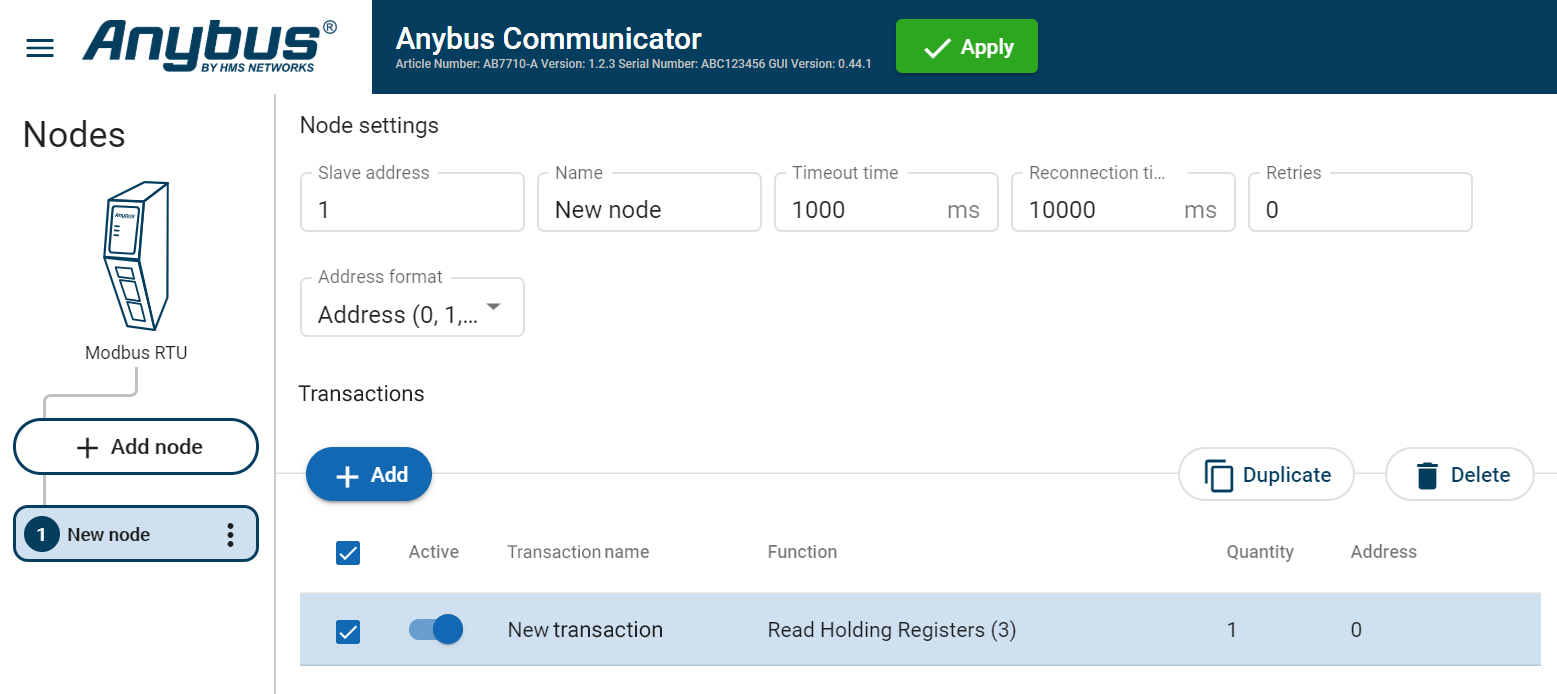
To Do Next
Configure the Transactions settings, Transaction Settings.