Add Frame Fields
Procedure
In the transaction template list, select a transaction template to add frame fields to.
Figure 37. Select transaction template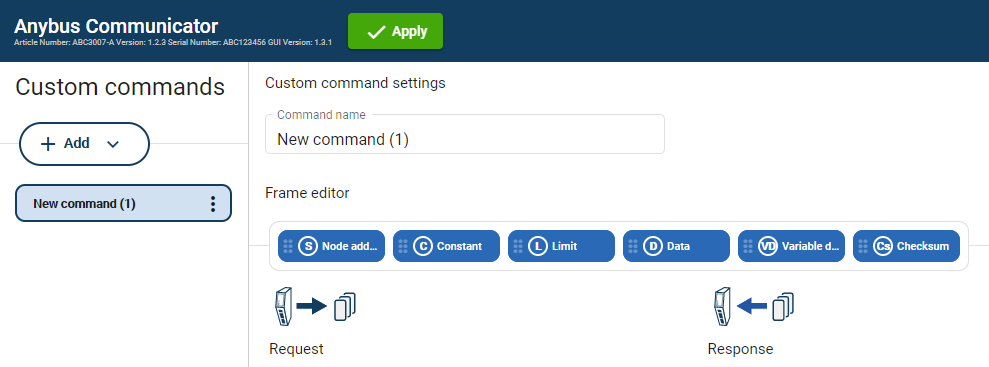
Build the transactions.
To add frame fields: In the Frame editor frame fields menu, drag and drop the desired frame fields into the drag and drop fields.
Figure 38. Add frame fields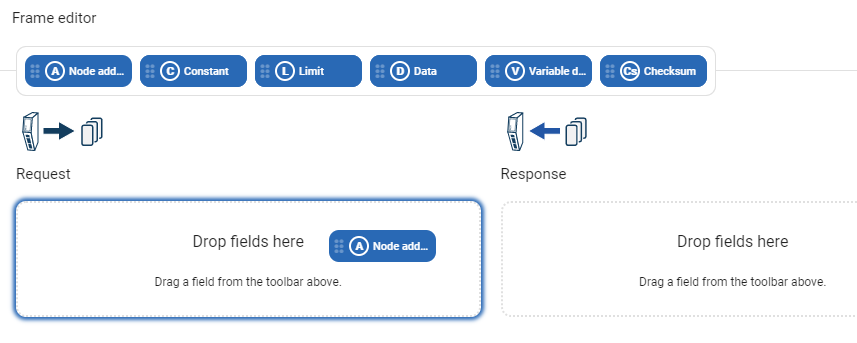
To duplicate a frame field: On the frame field that you want to duplicate, click the three dots icon and then click Duplicate.
Figure 39. Duplicate frame fields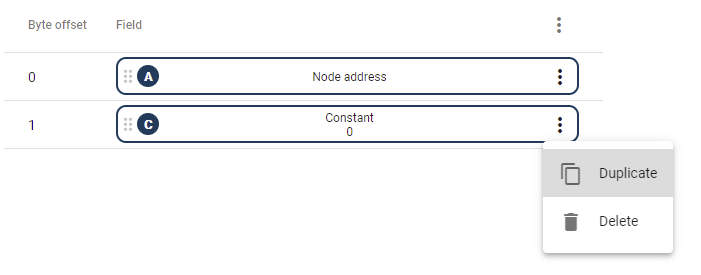
To change the order of the frame fields: Drag and drop the frame fields in the list to change the order.
Figure 40. Change frame fields order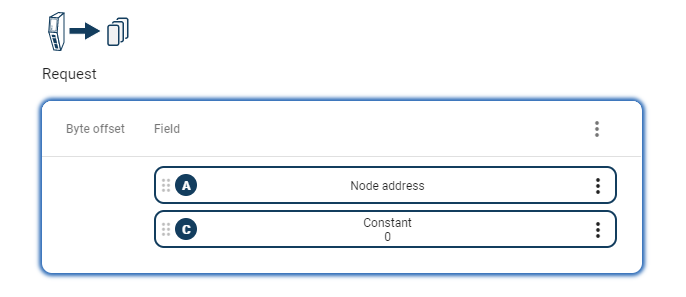
To delete a frame field: On the frame field that you want to delete, click the .
Click and then to confirm.
Figure 41. Delete frame field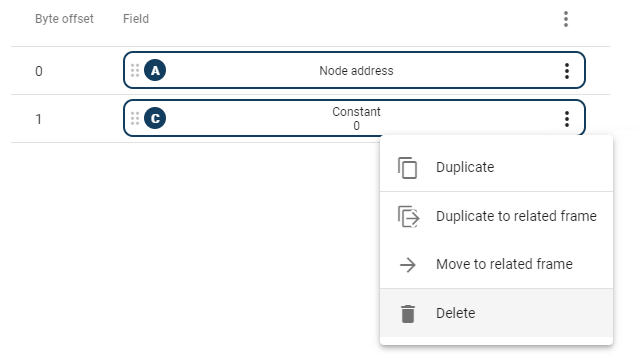
To apply the settings, click in the web-interface header, and follow the instructions.
To Do Next
Configure the frame field settings, see Configure Frame Fields Settings.