Add Transaction Template
Procedure
Add a transaction template:
In the web-interface left sidebar menu, click Transaction templates.
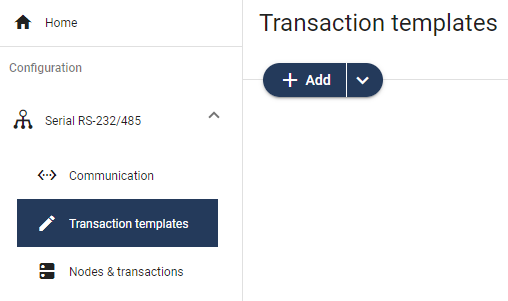
To select the template you want to use, click the Add drop-down button.
Options for the Custom Request/Response Protocol
To add a new empty template without any frame fields, select Empty template.
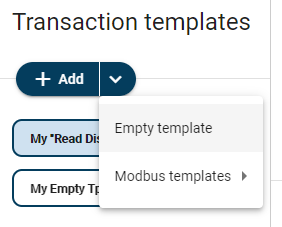 Example 4. A new empty request/response template is added to the transaction template list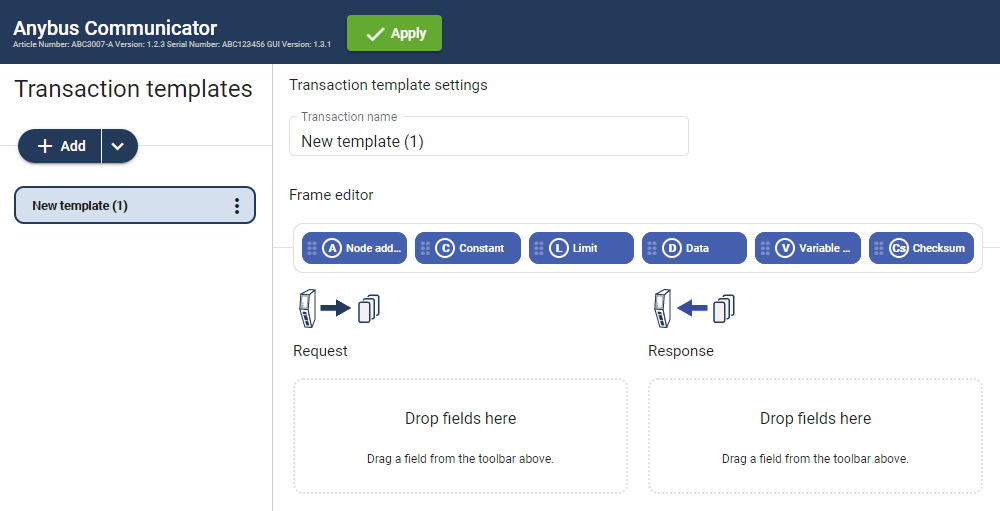
To add a new template based on a standard Modbus transaction, select Modbus templates and then the desired Modbus transaction.
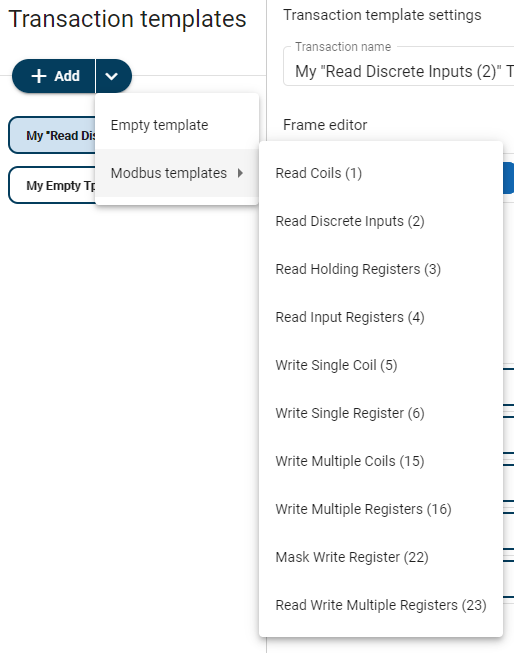 Example 5. A new request/response template based on “Read Coils (1)” is added to the transaction template list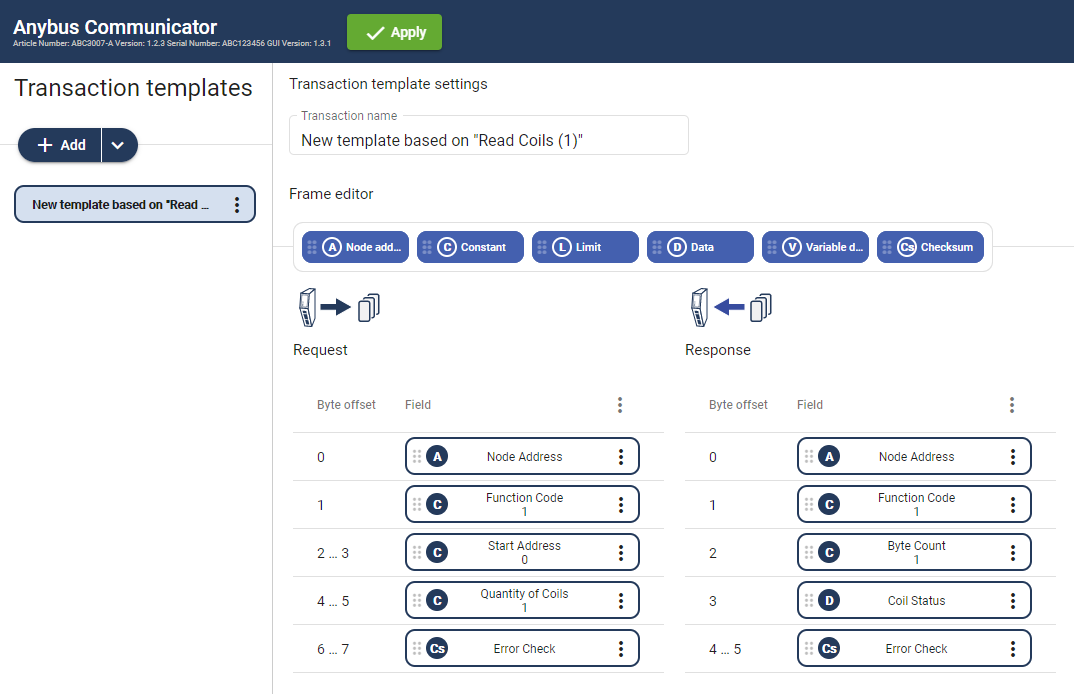
Option for the Custom Produce/Consume Protocol
Select Empty produce templates or Empty consume templates.
You can change the Transaction type after the transaction template is added.
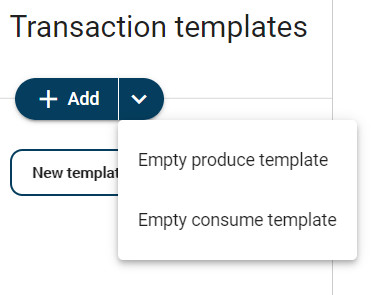 Example 6. A new produce template is added to the transaction template list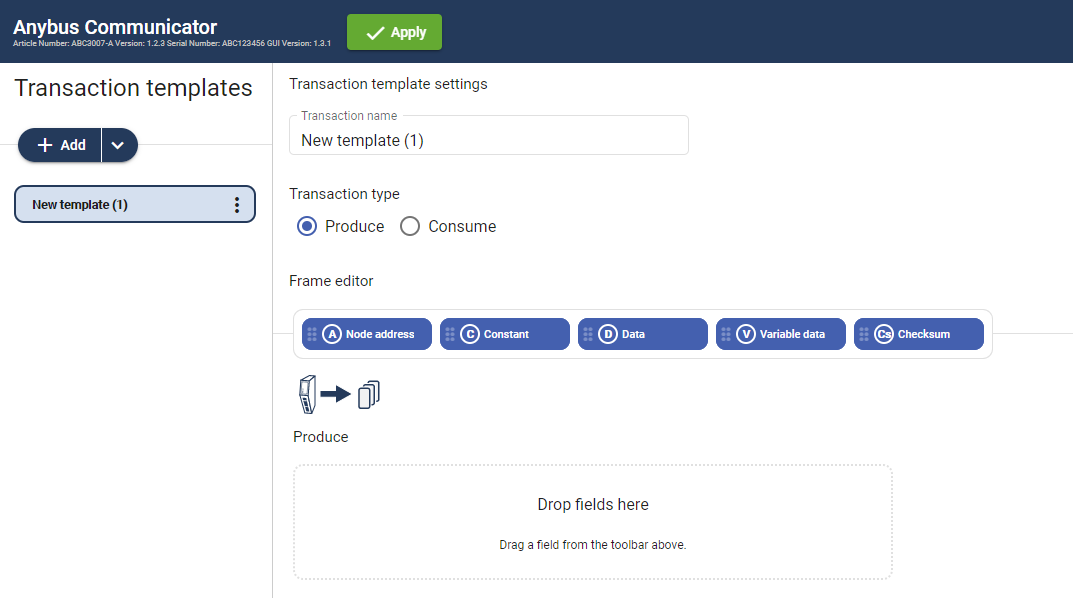
To apply the settings, click Apply in the web-interface header, and follow the instructions.
To Do Next
Add frame fields to the transaction template, refer to Add Frame Fields.