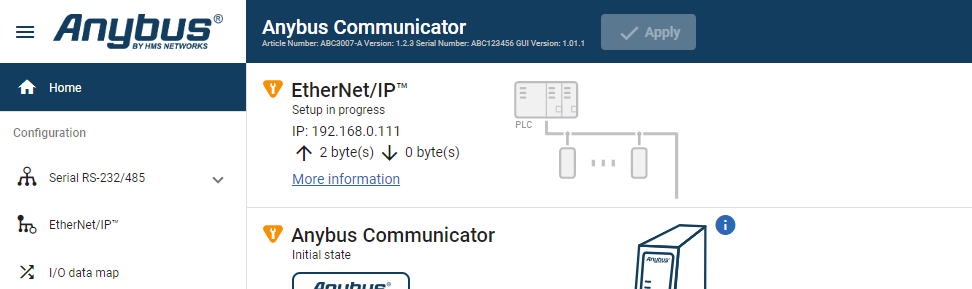
Access the Built-In Web Interface From a Web Browser
Before You Begin
Note
The Communicator configuration port default IP address is 192.168.0.10.
Note
To access the Communicator built-in web interface, ensure that Port 80 TCP is open in your Firewall. This applies to any Firewall between the web browser and the gateway.
Note
When you change to a static IP address on your computer, internet access may be lost.
Procedure
On the PC accessing the Communicator built-in web interface, set a static IP address within the same IP address range as the Communicator IP address.
Open a web browser.
Click to select the Address bar and enter the Communicator IP address.

To open the built-in web interface Home page, press Enter.