Serial RS-232/485 Data Monitor
On the Serial RS-232/485 page you can monitor how the data flow between the nodes and the gateway changes over time.
Figure 117. Serial RS-232/485 page
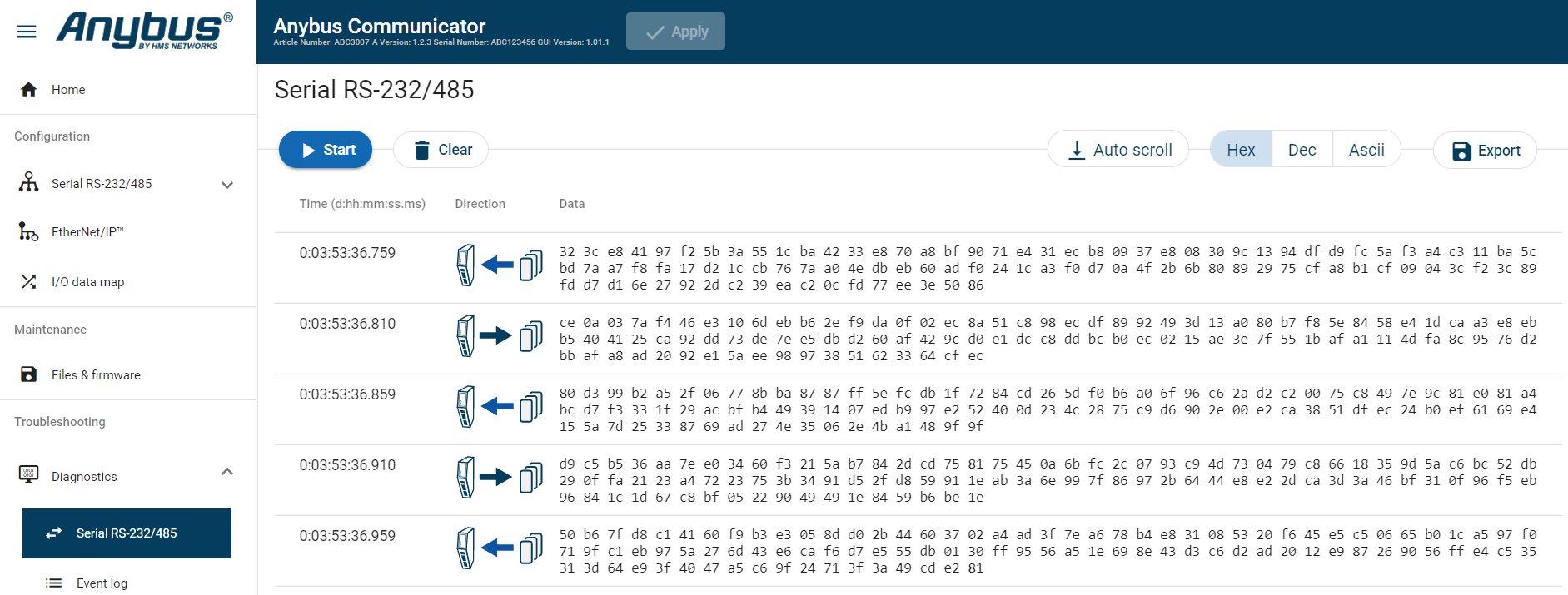 |
The table can contain at most 10000 messages. When the limit is reached, the oldest messages are discarded when new messages are added.
Choose how data is displayed
To choose if the data should be displayed in Hexadecimal, Decimal or ASCII, click Hex, Dec or Ascii.
Start and Stop Data flow
To start the data flow, click Start.
To end the data flow, click Stop.
Export data flow
To export the data flow, click Export.
An Excel file with the data flow is downloaded to your PC.