Set a Node Address with Rotary Switches
About the Rotary Switch Settings
Tip
Use Windows Calculator (or similar application) to convert between hexadecimal (hex) and decimal (dec).
The default node address setting is 000.
The node address values are set in hexadecimal (hex).
Minimum value is 00.
Each node address may only occur once in the network.
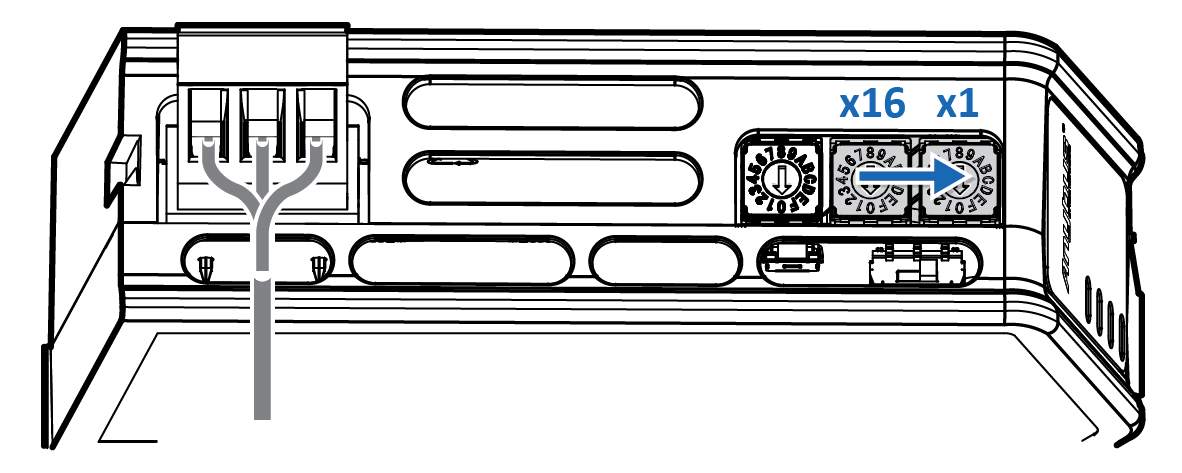
The node address is read from the center rotary switch x16 to the front rotary switch x1.
The rear rotary switch is not used, ensure that it is set to 0.
Before You Begin
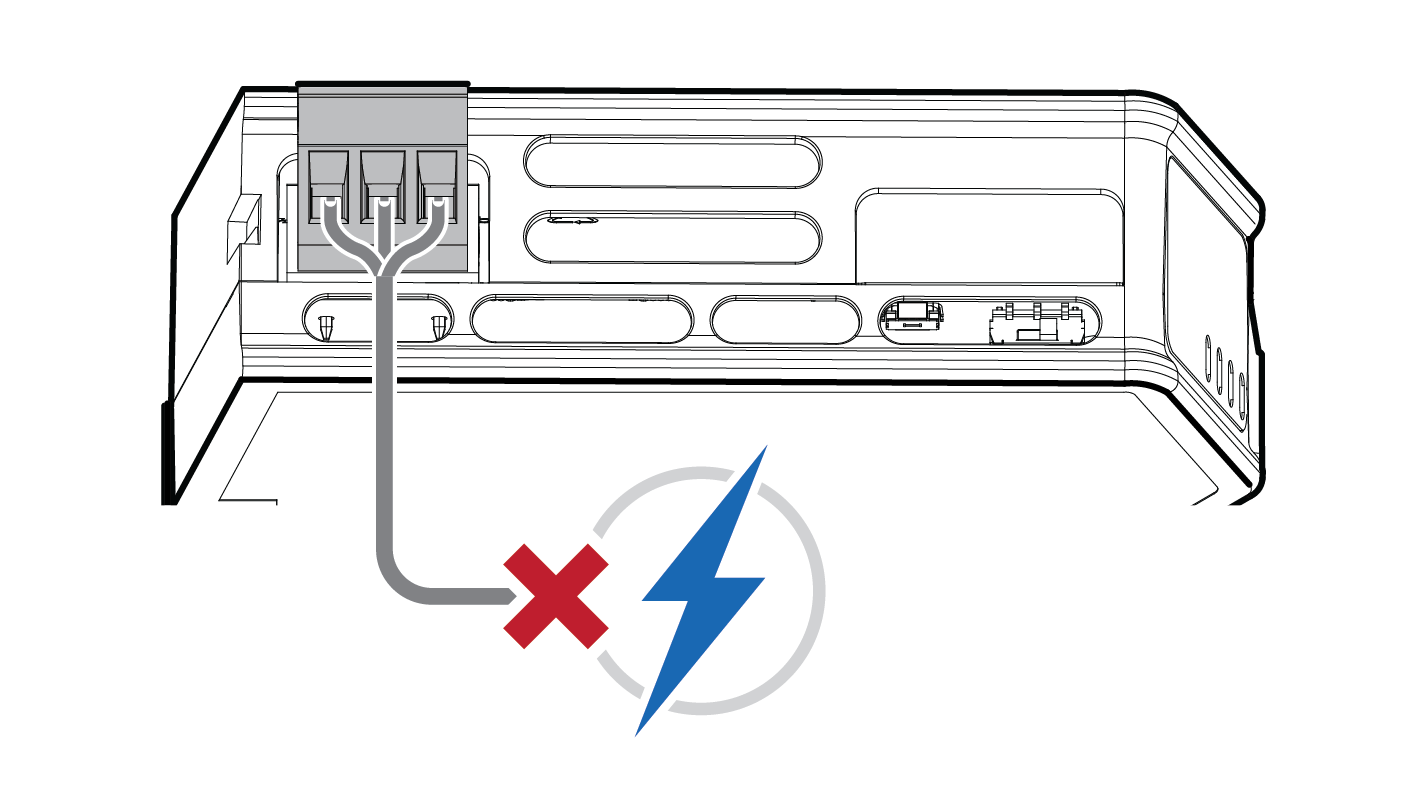
Ensure that the Communicator is disconnected from power.
 |
Procedure
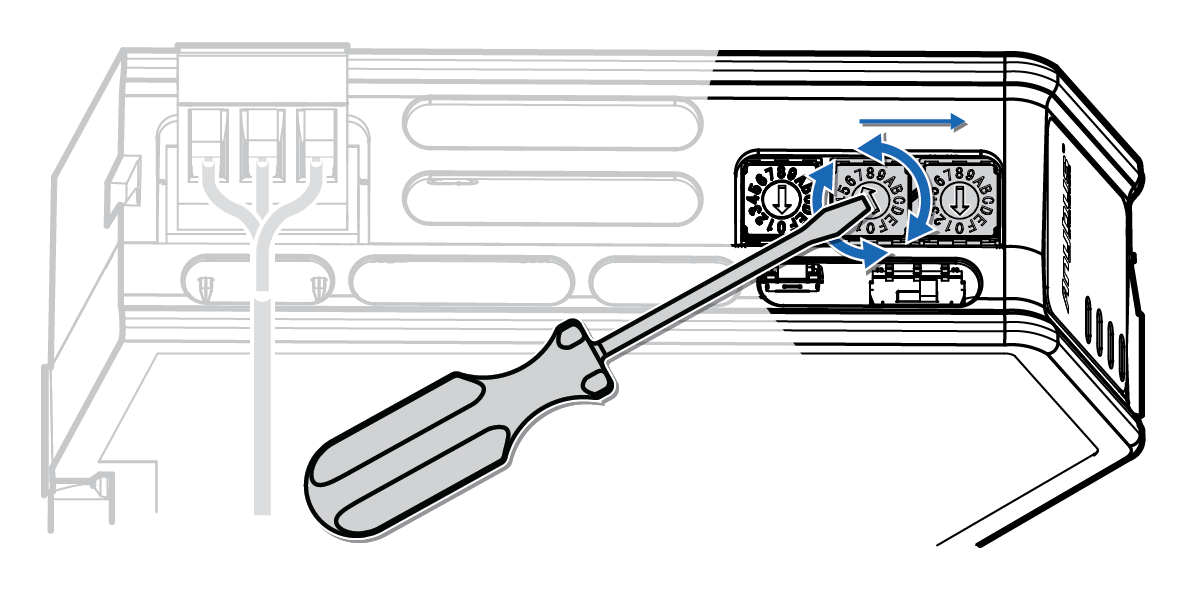
Use a screwdriver to change the rotary switch position.
Ensure that the rotary switches engage correctly.
 |
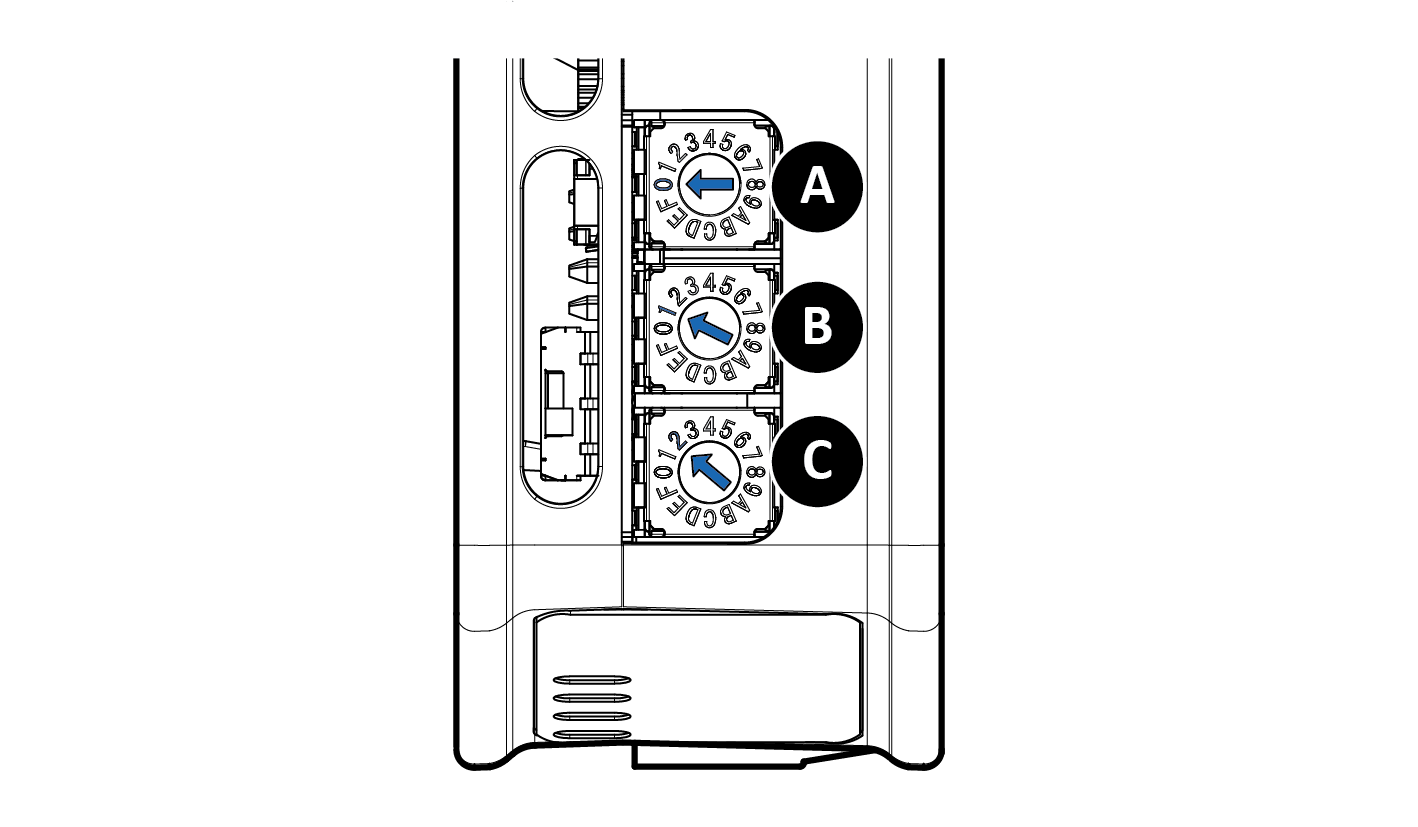 |
The rear rotary switch A is not used, ensure that it is set to 0.
Set the center rotary switch B to 1 hex.
Set the front rotary switch C to 2 hex.
The center rotary switch B 1 hex = 1 dec and the front rotary switch C 2 hex = 2 dec.
The node address expressed in decimal numbers is therefore 16 x 1 + 2 = 18.
To Do Next
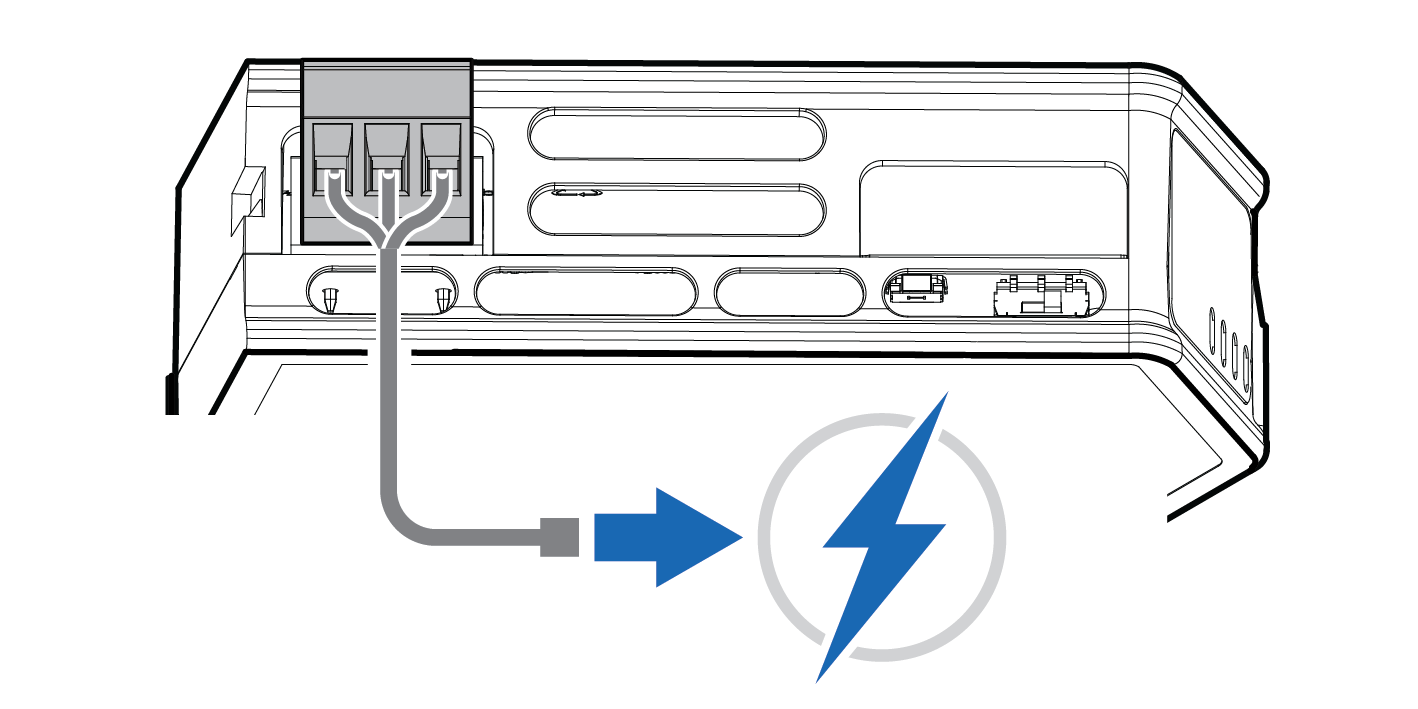
Connect the Communicator to power. See Connect to Power.
 |
Result
The set node address is active as soon as the Communicator is powered on.
Note
Changing the address settings on the rotary switches during operation is ignored. For a new address to take effect, power cycle the Communicator.