Add Node
Note
You can add one single Broadcast node.
The maximum number of Nodes that can be added is 31.
In the web-interface left sidebar menu, click Nodes & transactions.
Click Add node.
Select or .
Figure 47. Add node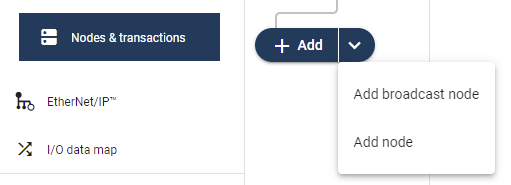
A new node/brodcats node is added to the nodes list.
Figure 48. A new node is added to the node list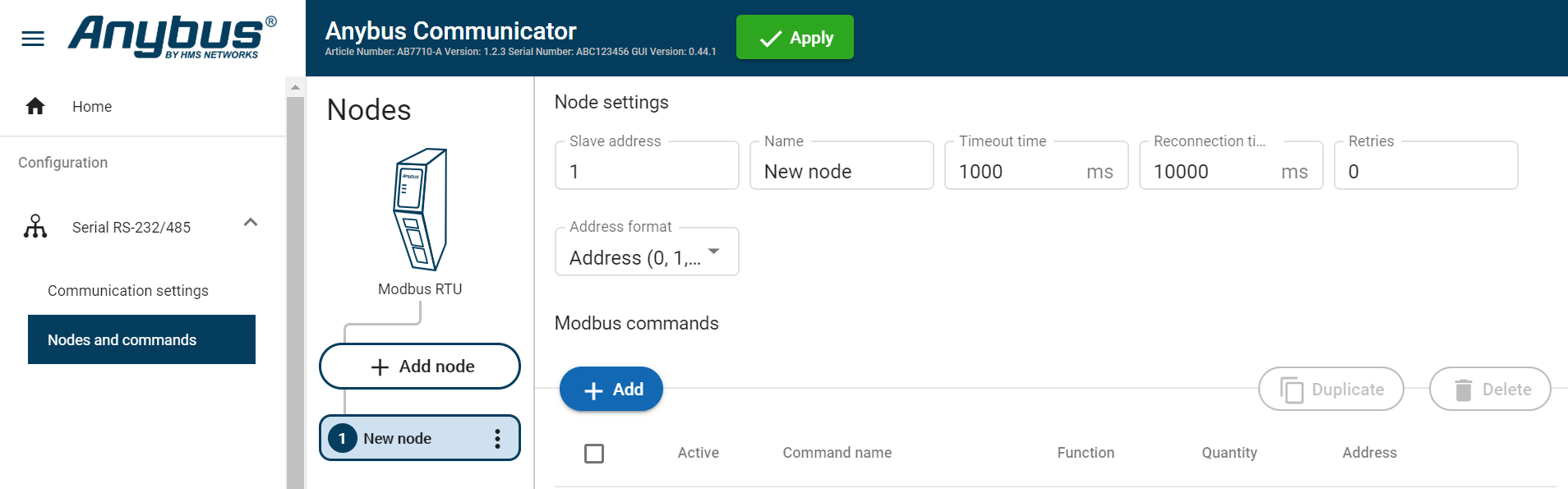
To Do Next
Configure the Node Settings, Node Settings.