Apply Configuration
Before You Begin
Note
When you apply the configuration, any existing configuration is overwritten.
Figure 78. Disconnect the Communicator from the EtherNet/IP network
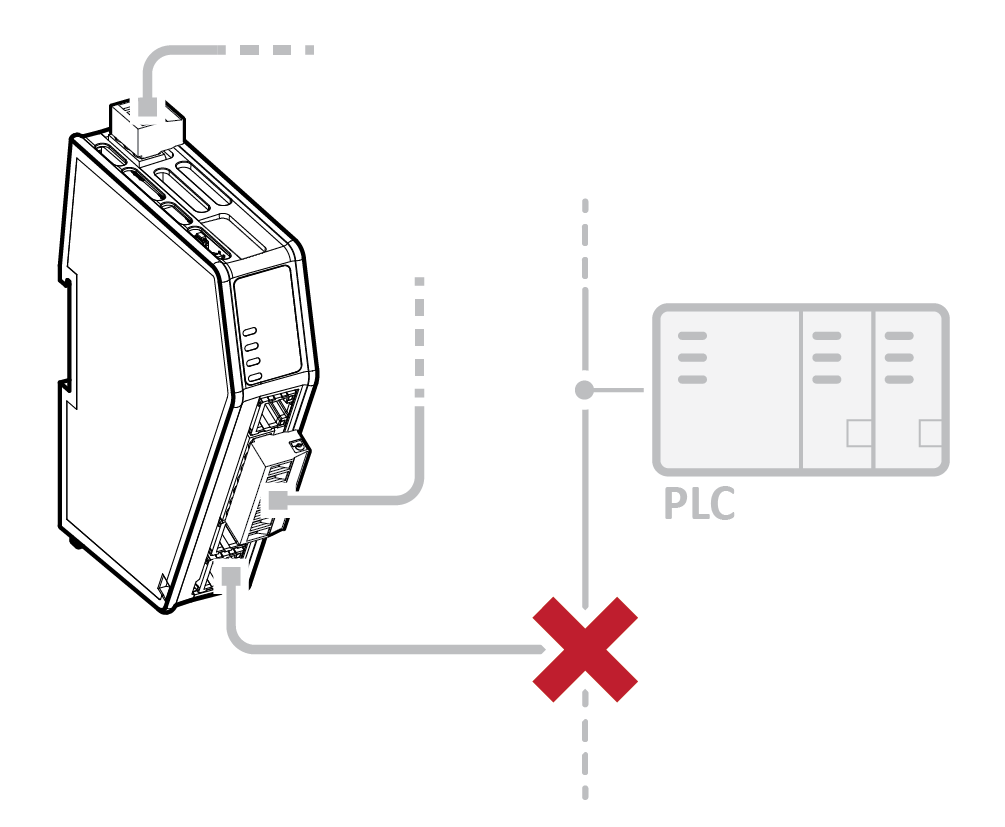 |
Before you can apply the configuration, ensure that there is no active communication on the EtherNet/IP network where the Communicator is connected.
Procedure
To make the settings take effect, download the configuration to the Communicator:
In the web-interface header, click Apply

To confirm download, click Apply.
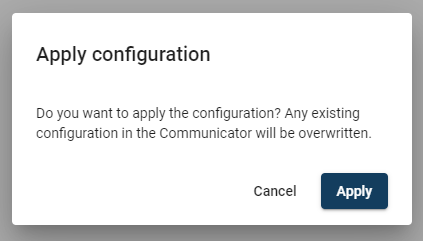
The configured settings are downloaded and applied to the system.