Clear and Revert Configuration
You can restore all settings in a configuration to the default settings.
Procedure
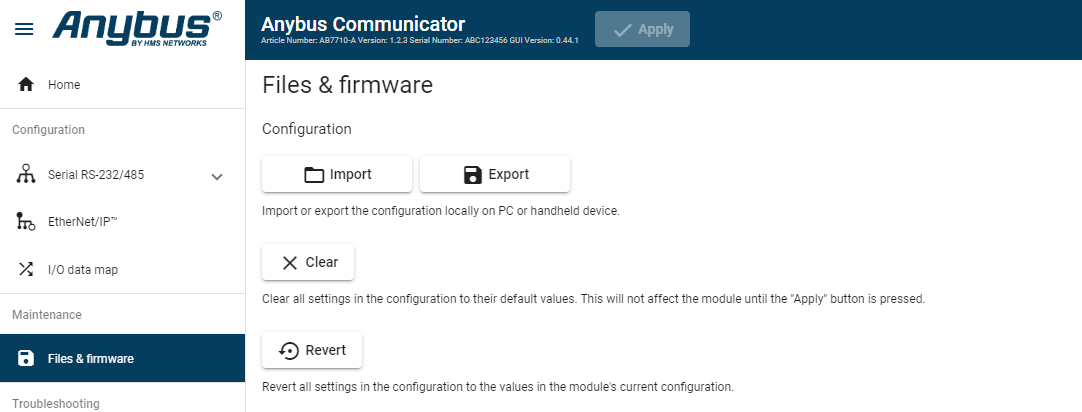
Figure 114. Files & firmware page
 |
When you want to clear a configuration and return to the default settings.
To clear the configuration:
On the page, click Clear.
In the Confirm clear window, click Clear.
To apply the change, click Apply in the web-interface header, and follow the instructions.
When you want to remove any configuration made in a current session and re-load the configuration from the gateway.
To Revert the configuration:
On the Files & firmware page, click Revert.
In the Confirm revert window, click Revert.
To apply the change, click Apply in the web-interface header, and follow the instructions.