Duplicate Transaction
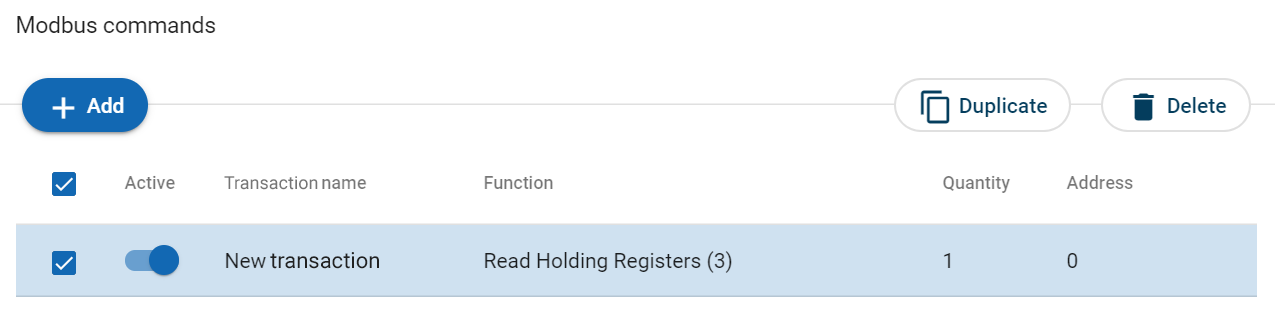
When you duplicate a transaction, all settings are preserved.
Figure 57. Duplicate transaction
 |
To duplicate:
One transaction, select the command and click Duplicate.
Multiple transactions, select the checkbox in front of each transaction you want to duplicate and click Duplicate.
The duplicated transaction is added at the bottom of the transactions list.